



 Copy link
You can see the published catalog (current services) or the unpublished one (old services that cannot be processed).
Search in the search bar
The initial view shows: the active filters ( On time, I am the recipient ) and the sections ( Procedures about to be completed , Favorite services , New published services , Generic services ).
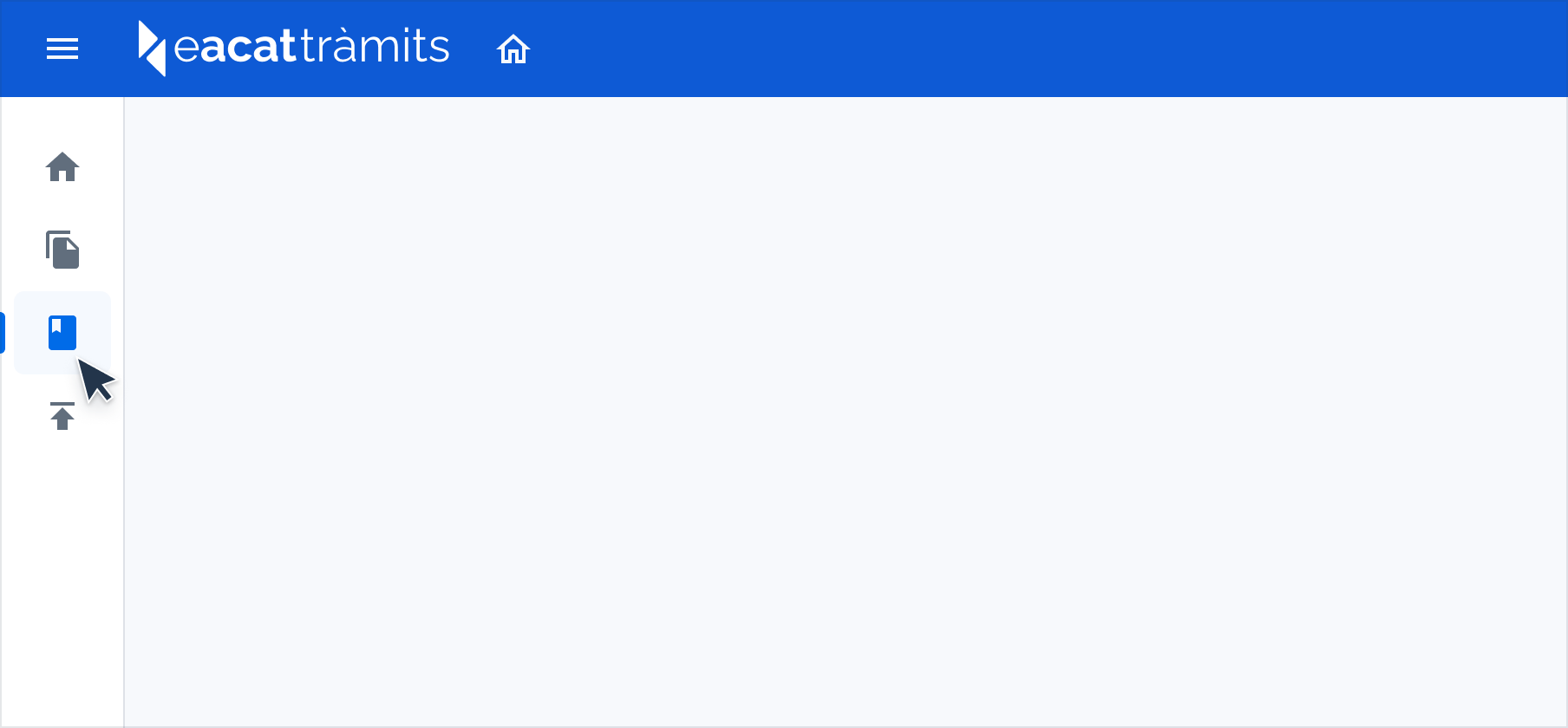
You can return to the initial view at any time with the book icon.
The view after searching shows: the filter bar (Results, Term, Lender and Recipient) and allows you to access the advanced search.
The results list shows: the services and/or procedures searched for and allows you to view the file of the first result.
From the service or procedure sheet you can:
Start a procedure if it is initial
Request access from your entity's manager